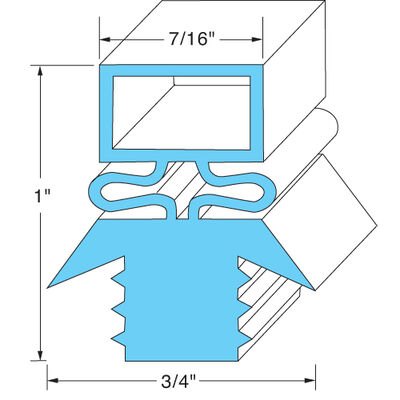
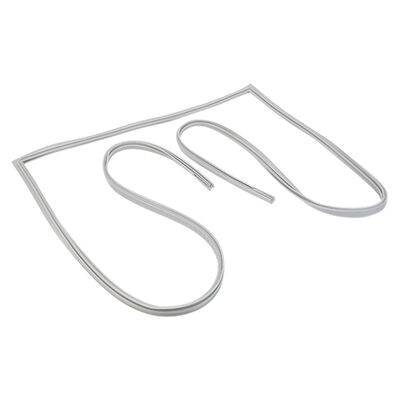
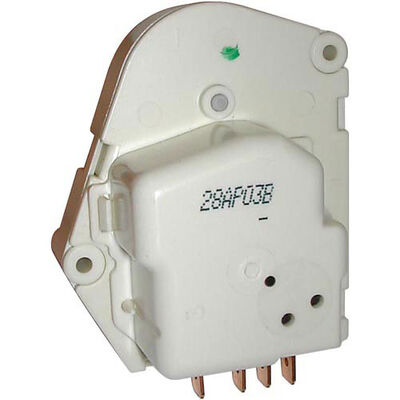

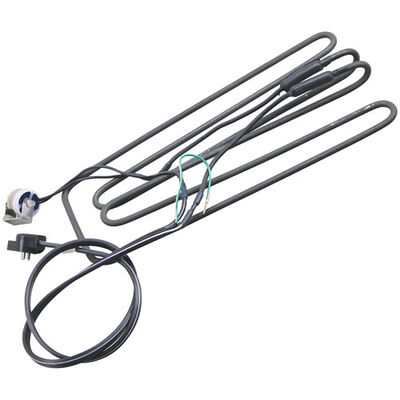
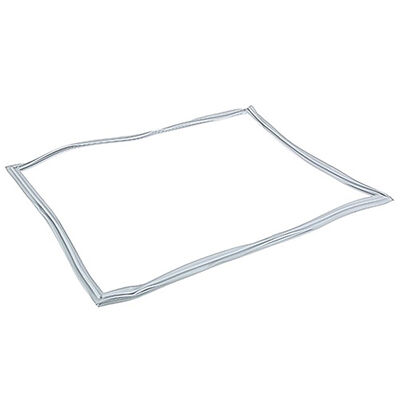
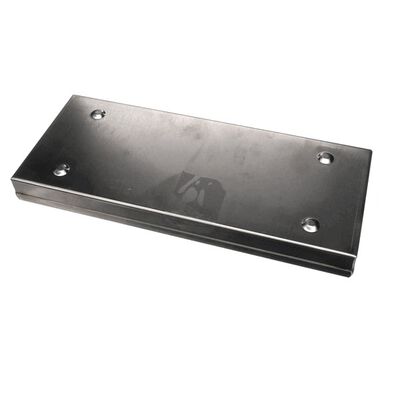
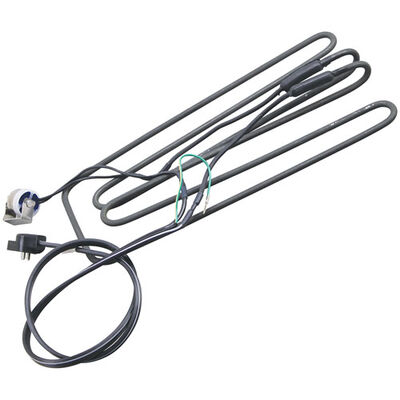

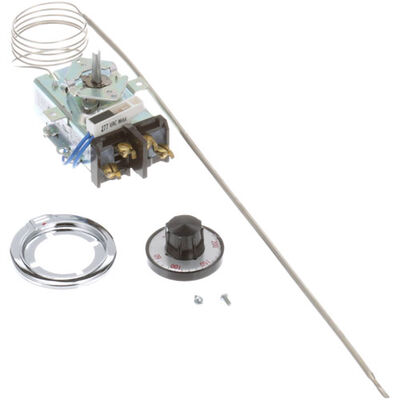
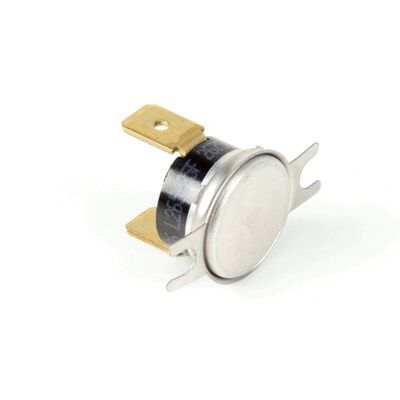
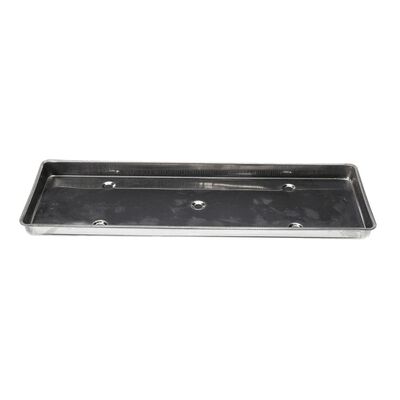
Traulsen Refrigerator Parts
Traulsen stands as a reputable and widely recognized manufacturer of restaurant cooking equipment, celebrated for its innovative features catering to cooling and freezing needs. Its lineup includes milk coolers, blast chillers, refrigerators/freezers, under-counter units, and equipment stands. Famed for their reliability and eco-friendliness, Traulsen commercial refrigerators boast diverse features, sizes, and options across their product range. With a commitment to high-quality components, you can trust that your Traulsen refrigerator will consistently deliver optimal performance, ensuring your food products remain at the desired temperature. For all your restaurant refrigeration requirements, PartsFe offers a comprehensive selection of Traulsen refrigerator parts, providing a variety of options to suit your specific needs.
FAQs
Are Traulsen G20010 parts interchangeable with other Traulsen refrigerator models?
Traulsen G20010 parts are specifically designed for the G20010 model; however, certain components may be compatible with other Traulsen models. Always confirm compatibility before making a purchase.
How can I ensure the longevity of Traulsen refrigerator parts?
Regular maintenance, proper cleaning, and timely replacement of worn or damaged parts can contribute to the longevity of Traulsen refrigerator parts.
Traulsen Manufacturers Other Categories
| Traulsen Parts | Traulsen Warmer Parts |